
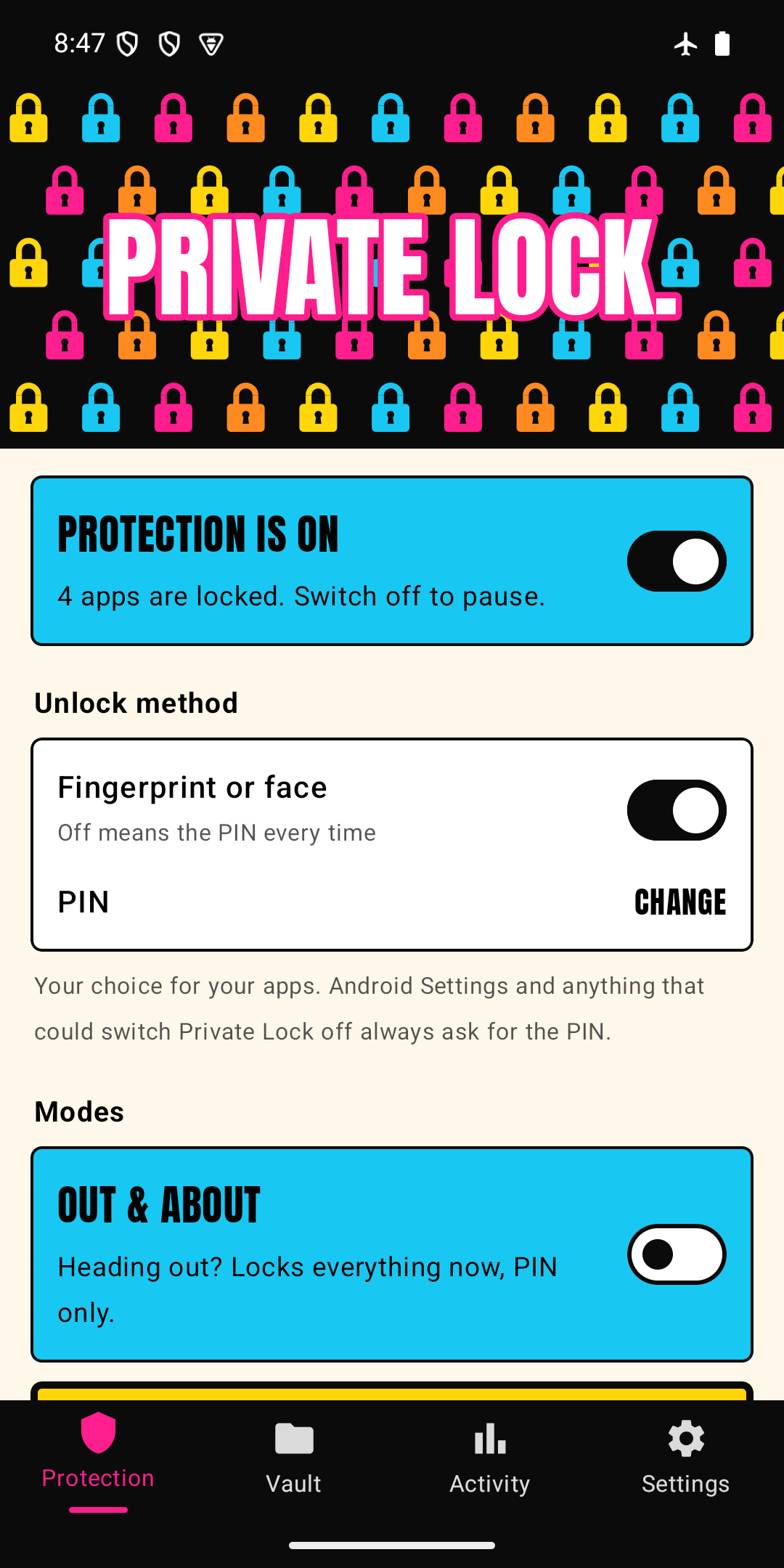
Three moments it's built for
Phone grabbed while unlocked
Turn on Out & about before you head out. Your protected apps relock the moment you leave them, only your PIN works (never a fingerprint), and Settings and the Play Store ask for the PIN too.
Passcode seen
Someone watched you type your screen-lock code? Your protected apps use a different PIN, so the same code doesn't open them.
Left it on the café table
With the default setting, apps relock right after you leave them. Your banking and email don't stay open behind a phone that's been put down.
Handing it over? Lend mode.
Pick the apps that stay open, such as camera, phone and maps. Everything else you've protected, plus the vault, Settings and the Play Store, needs your PIN while Lend mode is on.
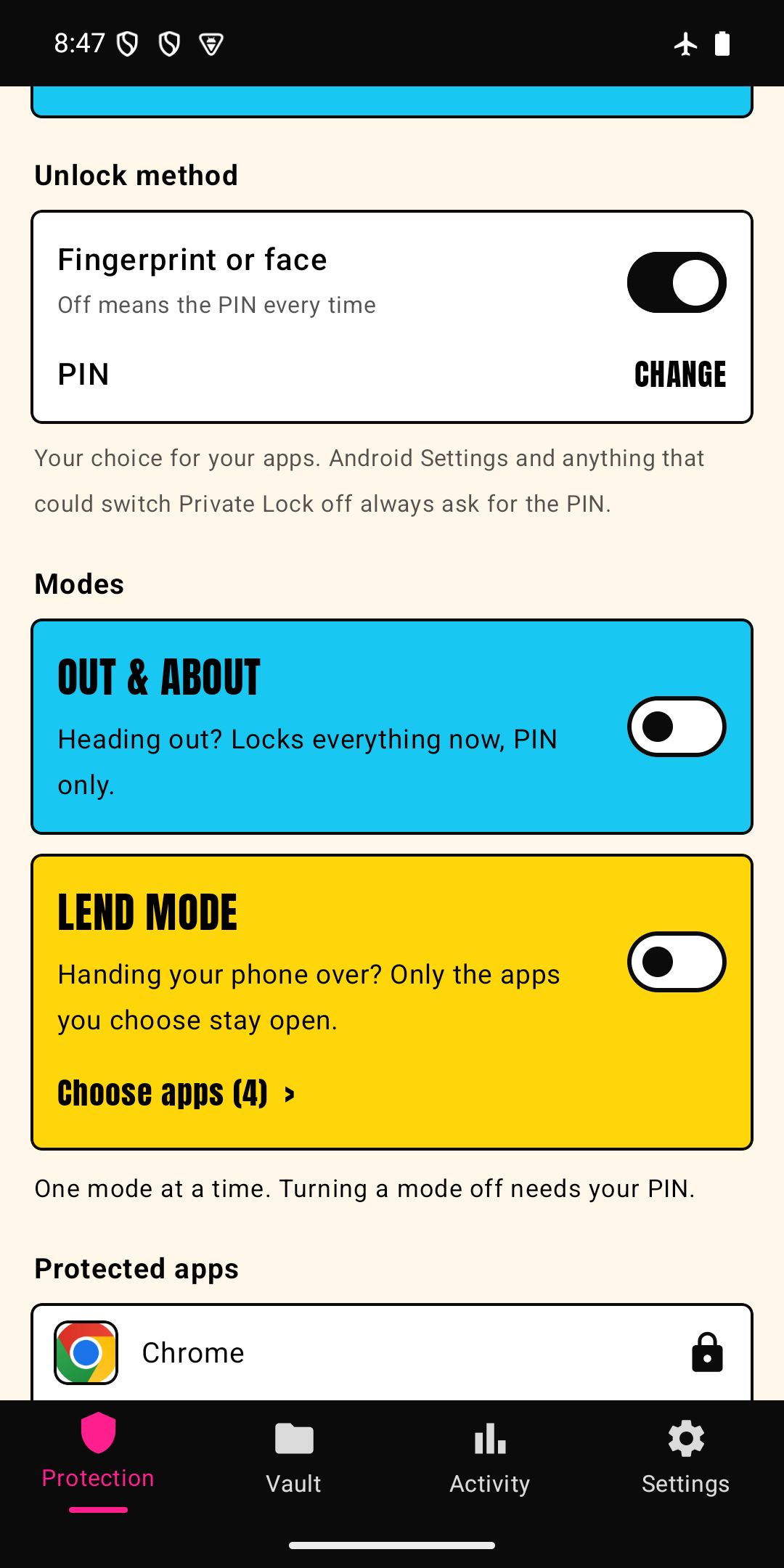
A private vault for photos and files
Hide photos, videos and files in an encrypted vault inside the app. They are scrambled on your phone with a key that never leaves it, so they don't show up in your gallery, and they are never uploaded anywhere.
- Add in a few taps. Pick the photos or files, and Private Lock encrypts them and, where your phone allows it, removes the originals.
- View straight from the vault. Photos and videos open from the encrypted file without being saved back in the clear.
- Stay organised. Folders, search and sorting, and tap and hold to select several at once.
- Get them back any time. One big "Restore photos & files" button puts them back where they came from.
- Back it up your way. One backup file sealed with a passphrase you choose. No account, no cloud. If you forget the passphrase, nobody can recover it for you.
- Locked like your apps. It opens with your PIN or fingerprint, and with PIN only while Out & about or Lend mode is on.
The photos in these screenshots are sample images.
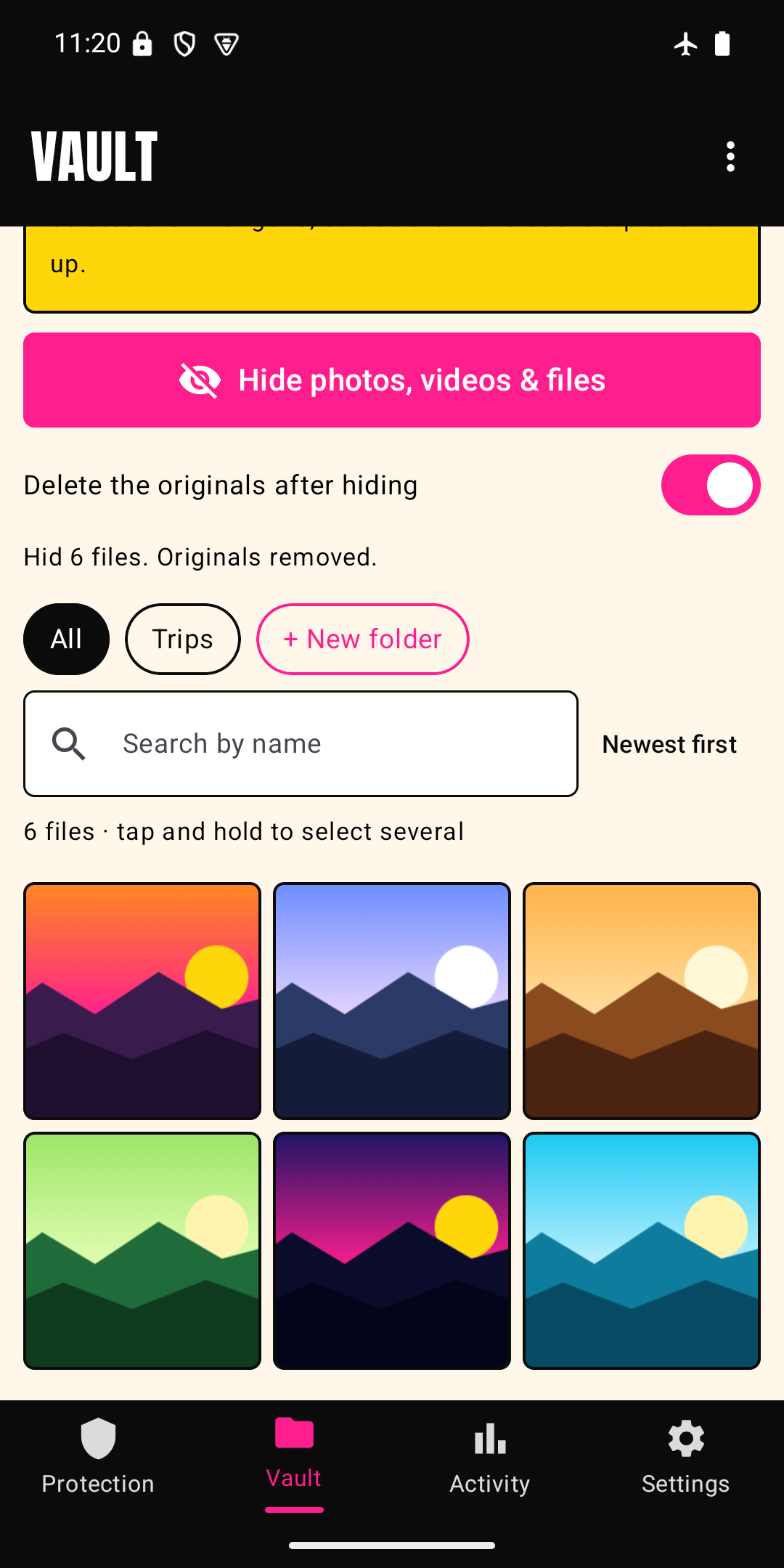
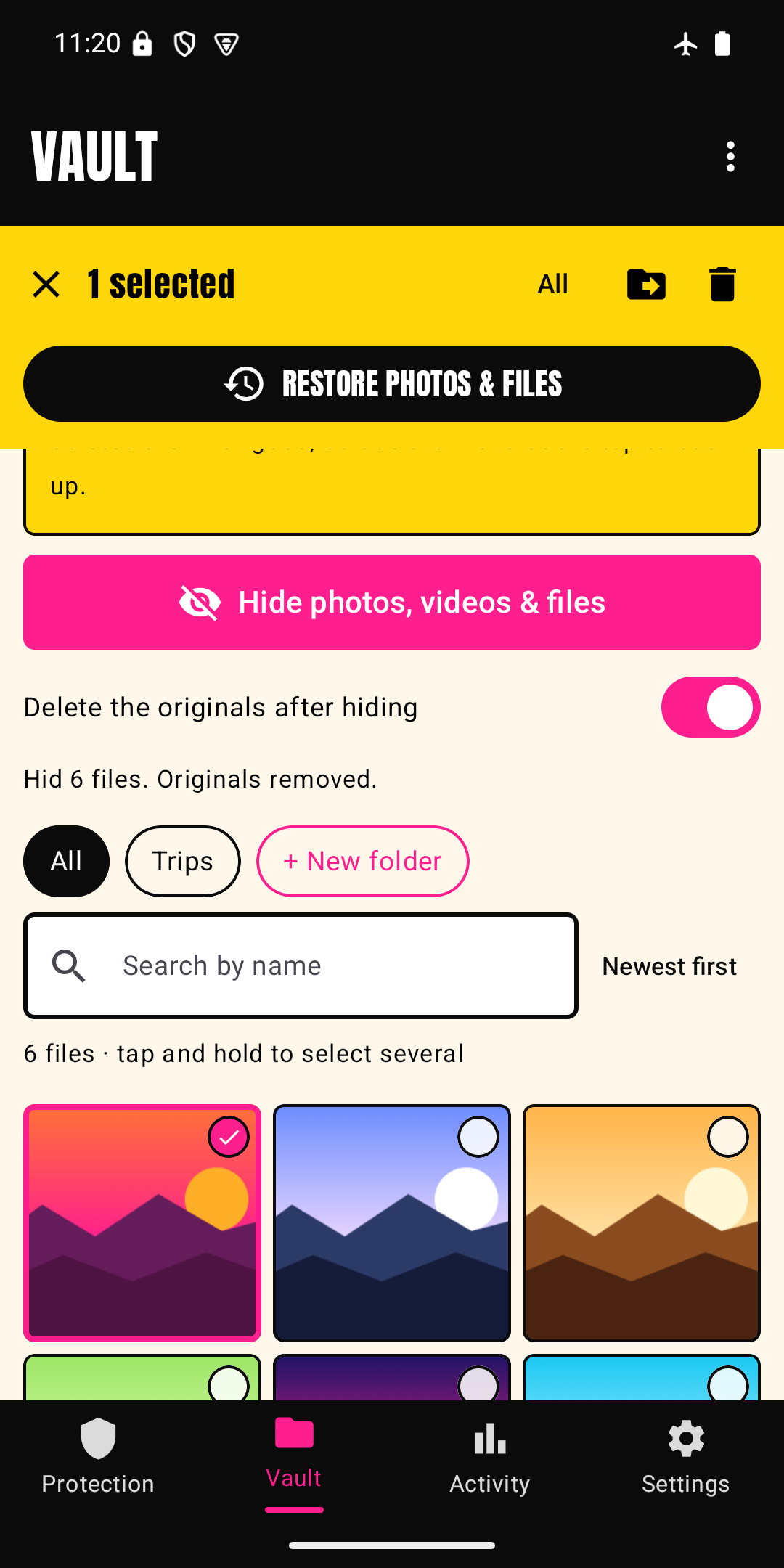
Intruder selfie
Someone keeps guessing your PIN? After wrong attempts, Private Lock quietly takes a photo with the front camera, so you can see who tried when you're back.
- Stays on your phone. The photo is encrypted and kept on the device, shown only inside Private Lock's Activity screen. It is never uploaded or shared.
- Optional. It is off until you switch it on, and it asks for camera permission first.
- Your own phone only. It is for wrong tries on your own lock, not a way to spy on anyone.
- Honest limit. Android shows its own camera indicator whenever a photo is taken, and apps can't hide it.
After you download it
Setup takes about two minutes. Private Lock walks you through it, and this is the short version:
- Create your PIN. Make it different from your phone's screen-lock code.
- Turn on the Private Lock accessibility service. Android asks you to do this yourself, in Settings → Accessibility. Private Lock only uses it to notice which app opens, never to read your screen.
- Pick the apps to protect: banking, email, messages, photos.
- Add the Out & about tile to Quick Settings: swipe down, tap the pencil, drag it in.
- Check Protection health so your phone's battery saver doesn't stop the lock.
Full set-up guide · Set-up questions
Also included, none of it paywalled
- Encrypted vault for photos, videos and files, with a one-file backup sealed by your own passphrase
- Intruder selfie after wrong PINs, stored encrypted on your phone
- Fake PIN that opens an empty decoy
- Disguise: look like a calculator or notes app if you want
- Hidden notifications for locked apps, schedules, uninstall protection
What it doesn't do
Private Lock protects apps on an unlocked phone. It doesn't track or recover a stolen phone, and safe mode, a factory reset or adb access can get around any app lock. Use it with Android theft protection and Find Hub.